AI image generation has quickly transformed from experimental tools to essential elements of modern creative workflows. Designers, marketers, and digital creators now use AI not only to generate visuals but also to speed up idea development, simplify production, and broaden creative possibilities. Among the many tools available today, Krea.ai and Stable Diffusion are notable for their distinct features.
Krea.ai represents a new wave of AI platforms that emphasize real-time interaction and ease of use. In contrast, Stable Diffusion is recognized for its open-source flexibility and deep customization options. Choosing between them depends more on your preferred creative approach than on which tool is “better.”
Two Different Approaches to AI Creativity
Krea.ai creates a live creative space where visuals change instantly as you modify prompts, styles, or inputs. It eliminates the delays often found in AI generation, making the process feel more like sketching or live editing.
Stable Diffusion is not a single platform; it is a model ecosystem. You can use it through various interfaces, run it locally, or integrate it into custom workflows. This offers users great flexibility but can also lead to complexity.
At a high level:
- Krea.ai simplifies and speeds up the creative process.
- Stable Diffusion gives you more control and technical depth.
Krea.ai
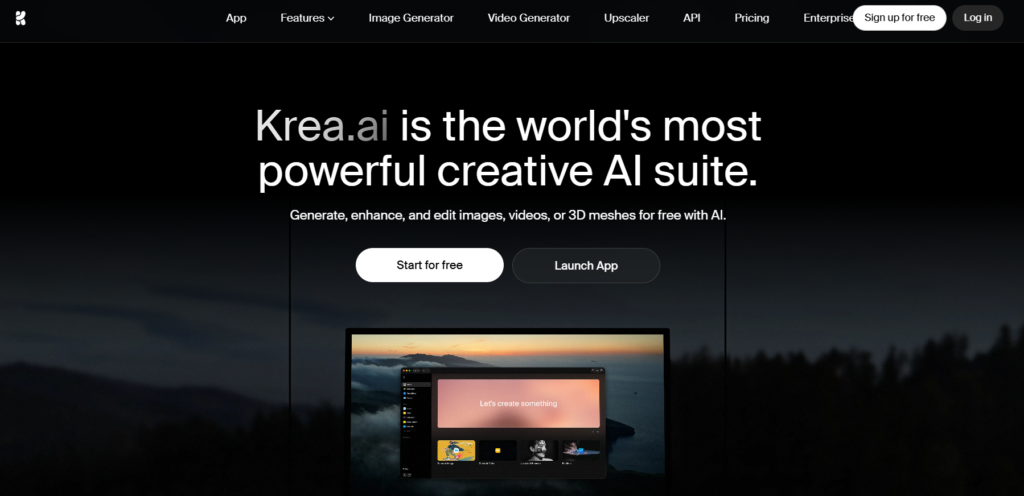
Krea.ai aims to make AI a natural part of the creative process. Instead of waiting for output, you engage with visuals as they develop, which enhances idea generation.
Pros
- Real-time generation: visuals change instantly as you make adjustments.
- Fast iteration: explore multiple concepts without starting over.
- Easy to use: straightforward interface requires no technical setup.
- All-in-one workflow: combines idea development, generation, and refinement.
- Multi-model access: various AI models available on one platform.
- Image and video support: go beyond static visuals.
- Infinite canvas: explore multiple paths in a single workspace.
- Live editing: adjust prompts and visuals at the same time.
- Collaboration-ready: suitable for team environments.
- Reduced friction: eliminates repetitive prompt cycles.
Cons
- Limited deep customization compared to open-source tools.
- Less control over model training and settings.
- Dependent on platform updates and ecosystem.
- May not meet the needs of highly technical or experimental users.
Krea.ai suits creators who prioritize speed, simplicity, and ongoing experimentation. It turns AI into a real-time creative partner instead of a delayed output tool.
Read Also: Creating stunning AI-generated videos for social media marketing
Stable Diffusion
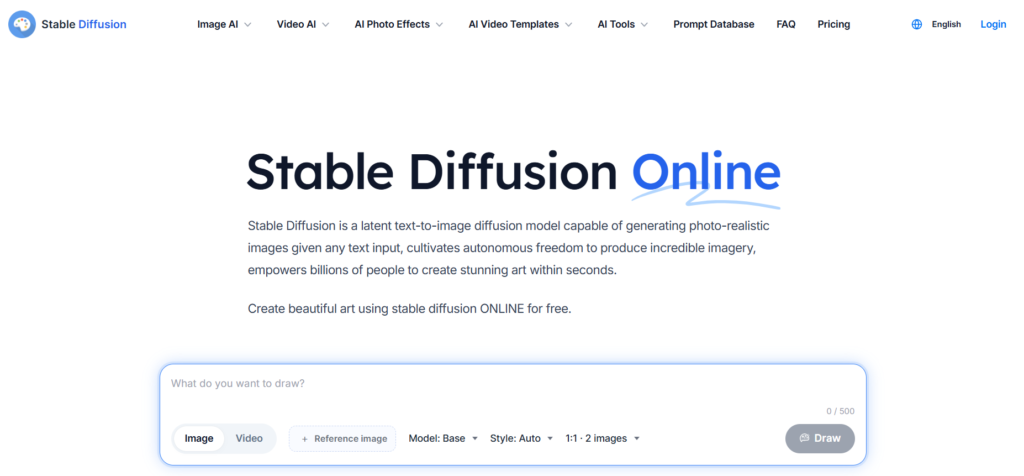
Stable Diffusion is one of the most robust AI models available, primarily due to its open-source nature and high level of customization. It lets users go beyond standard image generation.
Pros
- Open-source flexibility: full control over models and workflows.
- Custom model training: create unique styles and outputs.
- Extensive ecosystem: a large community offers plugins and extensions.
- Offline capability: can function without internet access.
- Advanced parameter control: fine-tune every detail.
- Integration options: compatible with various tools and interfaces.
- Scalable workflows: adaptable for individuals and teams.
- Style consistency: maintain highly specific visual directions.
- Experimental freedom: explore creative and technical boundaries.
- No platform restrictions: not confined to a single environment.
Cons
- Complex setup: requires installation or third-party platforms.
- Steep learning curve: not beginner-friendly.
- Hardware dependent: performance varies widely.
- Slower iteration: lacks real-time feedback.
- Fragmented experience: may need multiple tools to work effectively.
- Time-consuming workflows: more steps needed to achieve results.
Stable Diffusion is best for users seeking maximum control, customization, and flexibility, especially in technical or production-heavy environments.
Workflow Experience Comparison
The most significant difference between Krea.ai and Stable Diffusion is how they approach the creative process.
Krea.ai workflow
- Real-time, ongoing interaction with visuals.
- Instant updates as prompts and styles are adjusted.
- Encourages experimentation and rapid idea generation.
- Eliminates the need for repeated generation.
- Feels fluid and dynamic, similar to digital sketching.
Stable Diffusion workflow
- Prompt-based generation followed by manual refinement.
- Requires rerunning outputs after changes.
- Involves tuning parameters and configurations.
- Slower feedback loop than real-time systems.
- Often relies on external tools or interfaces.
In summary, Krea.ai is designed for speed and flow, while Stable Diffusion emphasizes depth and control.
Creative Control vs Creative Speed
Another key difference is how each platform balances control and efficiency.
Stable Diffusion gives users substantial control over the generation process. You can adjust sampling methods, train custom models, and fine-tune outputs in detail. This results in impressive power but can be time-consuming.
In contrast, Krea.ai sacrifices some of that deep control for speed and ease of use. Rather than focusing on technical settings, users can concentrate on visual results and creative direction.
This trade-off is crucial when deciding between the two options:
- Stable Diffusion = maximum control, slower workflow.
- Krea.ai = faster workflow, simplified control.
Use Case Differences
Choose Krea.ai if you need:
- Fast idea generation and brainstorming.
- Real-time visual feedback.
- Simple, user-friendly workflows.
- Collaborative creative environments.
- Quick exploration of multiple ideas.
- A unified workspace for creativity.
Choose Stable Diffusion if you need:
- Full control over models and outputs.
- Custom-trained styles or assets.
- Offline or self-hosted solutions.
- Advanced experimentation with settings.
- Integration into technical processes.
- Long-term production workflows.
Comparison Chart
| Feature | Krea.ai | Stable Diffusion |
| Core concept | Real-time creative workspace | Open-source AI model ecosystem |
| Workflow style | Interactive and continuous | Prompt-based and configurable |
| Speed | Instant feedback loop | Depends on hardware/setup |
| Ease of use | Beginner-friendly | Technical learning curve |
| Customization | Moderate, streamlined | Extremely high and flexible |
| Setup | No installation required | Requires setup or third-party tools |
| Output style | Flexible and adaptive | Fully customizable styles |
| Iteration | Live adjustments | Step-by-step regeneration |
| Best for | Fast ideation and workflows | Advanced control and experimentation |
Final Verdict
Krea.ai and Stable Diffusion each offer significant benefits, but they are built for different priorities.
Stable Diffusion excels in customization.
- It allows for deep control over all aspects of image generation.
- It is perfect for developers, technical users, and advanced creators.
- It is best suited for specialized or production-heavy workflows.
Krea.ai excels in workflow and usability.
- It offers a fast, intuitive, and interactive creative experience.
- It removes technical barriers and simplifies setup.
- It enables immediate idea generation and ongoing exploration.
In today’s creative environment, the ability to move quickly, test ideas, and adapt in real time is more valuable than deep technical control. That’s why Krea.ai shines; it makes AI an active part of the creative process, not just a tool used after the fact.